Shopping Cart
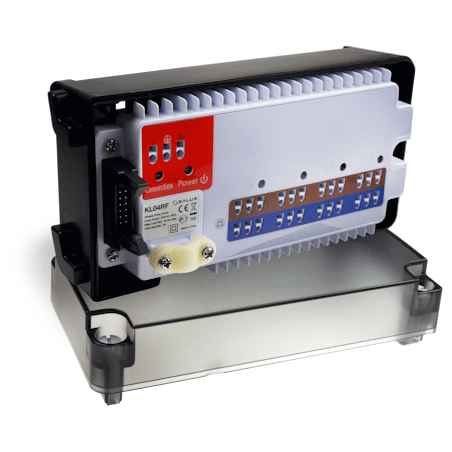


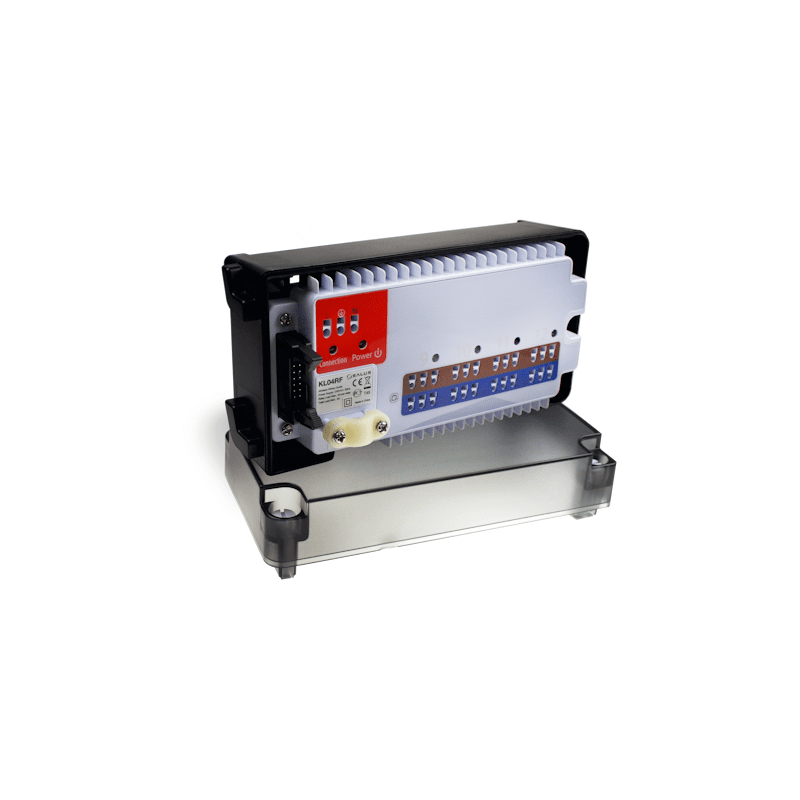
Use the KL04RF wireless wiring centre extension to simply and safely connect an additional four thermostats and actuators. Use the KL04RF only together with the KL08RF wireless wiring centre. Install the KL04RF only in dry and closed interior rooms. Relative air humidity in the room may not exceed 95%. Clean the KL04RF only with a dry and soft cloth.
Do not use solvents or aggressive cleaning agents.
Pairing Thermostats with the KL04RF
This is done on the KL08RF wiring centre because the CO10RF coordinator is plugged in there.
If you connect the KL04RF to the KL08RF at first installation, all thermostats on both wiring centres will be paired.
If you later connect the KL04RF to the KL08RF after thermostats have already been paired with the KL08RF, you must pair thermostats with the KL04RF. To do this:
1. Shut down power to the KL08RF.
2. Connect the KL04RF to the KL08RF.
3. Power on the KL08RF and KL04RF.
4. Remove the front cover of the KL08RF and press
and hold the coordinator button for five seconds.
5. Pair the thermostats in zones 9 to 12.
6. Press and hold the coordinator button again for
five seconds.
7. Replace the front cover of the KL08RF.
For more details on pairing, see the KL08RF Installation and
Wiring Guide.